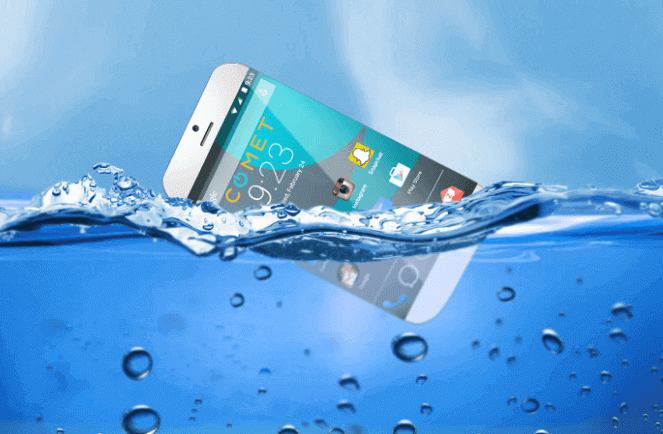

Phone Dropped in Water? Safe Recovery Actions (Step-by-Step)
Follow these actions immediately to maximize your phone’s chances of survival.
✅ Do This First (In Order)
- Get it out fast. Every second in water increases damage.
- Turn it off immediately. Don’t “check if it works.” Short circuits happen fast.
- Remove extras: case, SIM, memory card, any accessories, and battery if removable.
- Blot, don’t shake. Use a soft cloth to absorb surface water. Avoid pressing buttons.
- Let gravity help. Keep it upright, ports facing down to drain.
- Absorb moisture: Seal the phone in a bag with silica gel (best). If unavailable, use uncooked rice as a backup.
- Wait 24–48 hours. More time = better odds. Be patient.
- Reassemble & test. Insert SIM, power on. If it fails to boot, try charging. If issues persist, see a technician.
Why Silica Gel Beats Rice
Silica gel packets are designed to pull moisture from the air efficiently. Rice can help in a pinch, but it’s slower and may leave dust. If you live in a humid area, store a small jar of silica gel in your home or car as part of your emergency kit.
After It Turns On: Health Check
- Charging: Connect briefly—stop if it heats abnormally.
- Audio: Play a test sound; check speaker clarity and mic.
- Camera: Look for fogging/condensation under the lens.
- Ports: Ensure USB/Lightning detects data and power.
- Sensors: Test screen touch, fingerprint/face ID, and buttons.
Water-Resistant Phones Still Need Care
IP ratings (like IP67/IP68) help with accidental splashes, not prolonged submersion. Real-world wear (drops, heat, age) weakens seals. Treat any immersion as an emergency and follow the same steps.
Quick-Save Checklist (Screenshot This)
- Retrieve → Power Off → Remove SIM/Case.
- Blot Dry → Stand Port-Down.
- Seal with Silica Gel (or rice) → Wait 24–48h.
- Reassemble → Test → Back Up.
- Strange liquid? See a pro now.
FAQs
Can I use a vacuum cleaner?
Gentle suction around ports (without touching components) can help early on, but avoid strong suction that could damage seals.
Is placing it under a fan okay?
Yes—cool airflow helps evaporation. Avoid warm air and dust.
How long should I wait?
Minimum 24 hours; 48 hours is safer. If moisture indicators inside have tripped, consider professional cleaning.
Credits & Follow
Source: Simeon Leo ♌️ —
```0