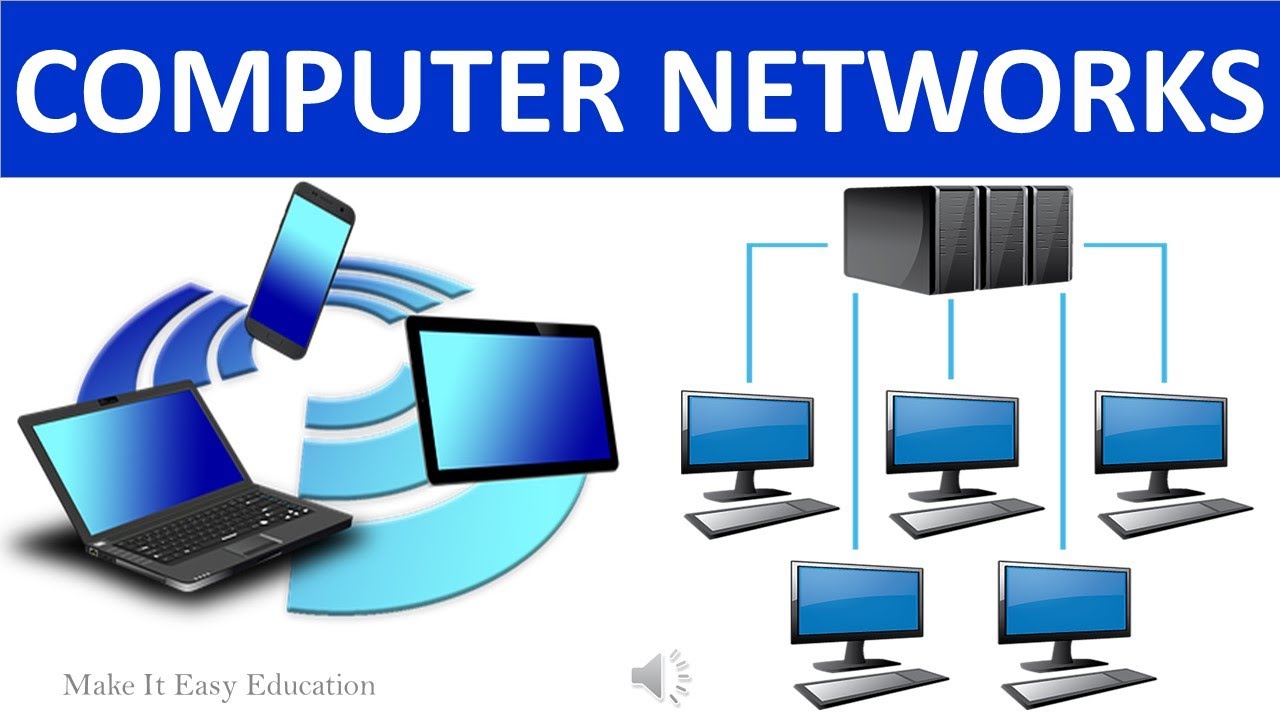

What is a Computer Network?
A computer network is a group of computers and other devices that are linked together so they can “talk” to each other. These connections allow the devices to share information (like documents, music, or videos) and share resources (like printers, scanners, and internet connections).
Imagine you have five computers in a room. If they are not connected, each one works alone — you cannot send files between them or print from a single printer. But if you connect them into a network, you can send a file from one computer to another in seconds, and everyone can use the same printer or internet connection.
Why Computer Networks Are Important
Sharing resources: One printer, internet connection, or storage space can be used by many people at the same time.
Faster communication: You can send files and messages instantly without using flash drives or CDs.
Teamwork: People can work on the same project from different computers.
Cost savings: No need to buy separate devices for each computer.
Basic Parts Needed for a Network
1. Computers or Devices – Laptops, desktops, tablets, or even phones that will connect together.
2. Network Interface Card (NIC) – A special hardware inside each device that allows it to connect to the network. Modern computers often have this built-in.
3. Cables or Wireless Connection – These act like the roads for the data to travel.
Cables (like Ethernet cables) physically connect devices.
Wireless connections use Wi-Fi so no cables are needed.
4. Central Device – A Hub or Switch is used to link all devices and direct data to the right place. In modern setups, switches are more common because they are faster and smarter.
Example in a School Computer Lab
In a school lab:
All the computers are connected to a central switch.
The switch connects to the internet router, which gives all computers internet access.
A shared printer is also connected so students can print from any computer.
Students can also share files with each other without using pen drives.
Simple Analogy
Think of a network like a road system in a town:
Computers are the houses.
Cables/Wi-Fi are the roads connecting the houses.
The hub or switch is like the traffic controller, making sure cars (data) go to the right house.
The internet is like the highway that connects your town to the rest of the world.